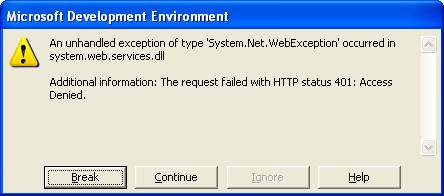
When receiving this error, you must insure you check the web service properties that are being referenced in your program. The likely cause of this problem is that “Anonymous Access” is not selected. In order for your web service to be referenced in code, insure that “Anonymous Access” is selected as shown below.
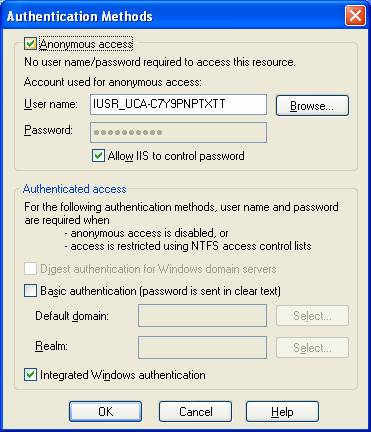
The web service property can be accessed by first opening IIS. From within the “Default Web Site” dropdown list, right click on the web service and select properties. Once the property window is open, select the “Directory Security” tab and press the “Edit” button within the “Anonymous access and authentication control” box. Lastly check the “Anonymous access” checkbox and press the OK button.